Cadillac Play 88 Maya Withdrawal: Step-by-Step Cashout Process
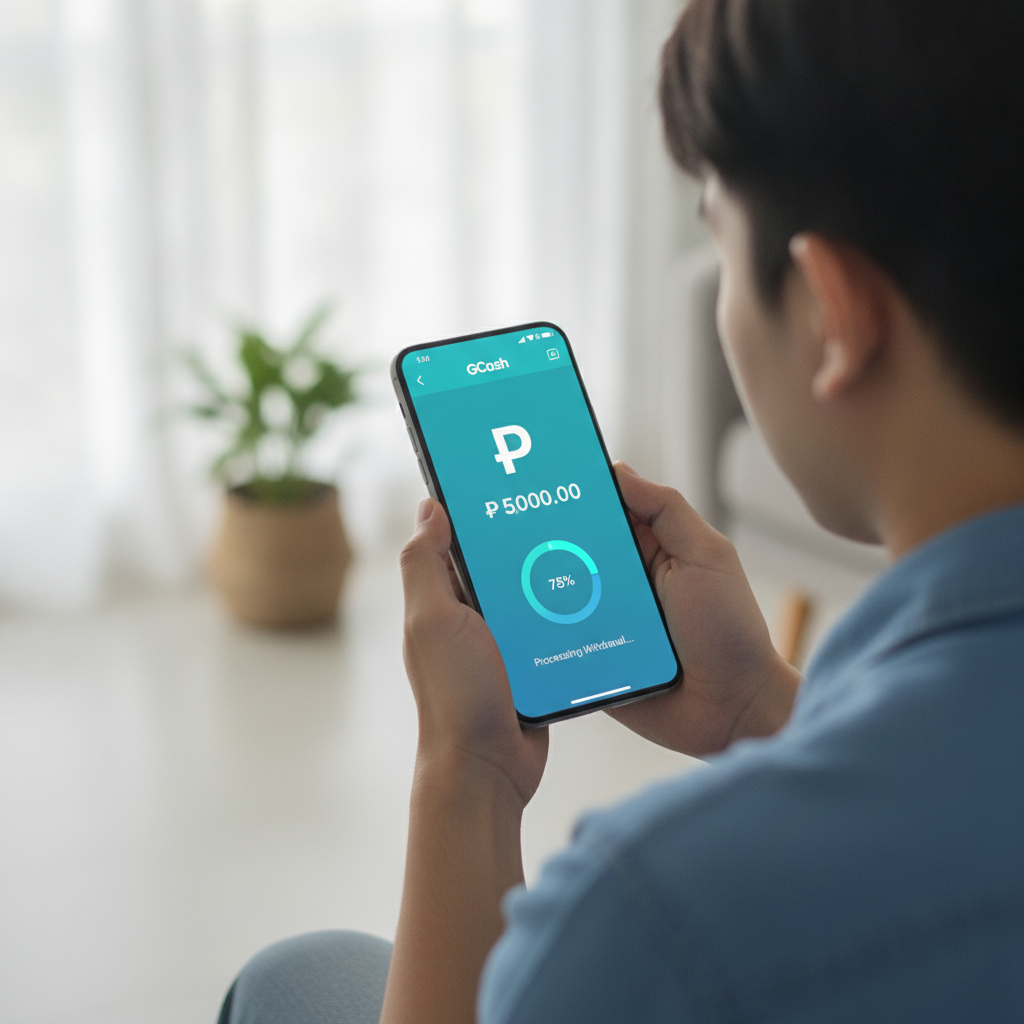
Initiating a Maya Cashout: Navigating the Withdrawal Page on Mobile
When you're ready to cash out from Cadillac Play 88 to your Maya wallet, start by opening the platform on your Android phone or mobile browser. Tap the menu icon—usually three horizontal lines at the top left—and look for Withdraw or Cashout. Some versions label it Wallet or Banking.
Once you're on the withdrawal page, you'll see a list of available cashout methods. Select Maya from the e-wallet options. The interface is similar to the deposit screen, but the fields are arranged for sending money out instead of loading your account.
Before you proceed, check your account balance at the top of the screen. Cadillac Play 88 displays your main balance and any bonus balance separately. Only funds in your main balance—minus any active wagering requirements—can be withdrawn. If you recently claimed a promo or bonus, make sure those playthrough conditions are met, or the system will block your cashout request.
If you don't see Maya listed, confirm that your account has been verified. Cadillac Play 88 often requires players to upload a valid government ID and verify their mobile number before the first withdrawal. Check your email or notifications for any pending verification tasks.
Entering Your Maya Account Details: Mobile Number and Name Verification
After selecting Maya, you'll be asked to enter your Maya-registered mobile number. This is the 11-digit number that starts with 09 and is linked to your Maya app. Double-check every digit—one typo will send your money to the wrong account or cause the transaction to fail.
Next, type the amount you want to withdraw in Philippine pesos. The input field usually enforces minimum and maximum limits, so if you try to enter an amount outside that range, an error message will appear immediately.
The platform will also ask you to confirm the account name on your Maya wallet. This should match the name you used when registering your Cadillac Play 88 account. If there's a mismatch—like a nickname instead of your legal name—the payment processor may hold or reject the cashout. In that case, contact Cadillac Play 88 customer support through live chat or email to update your details.
Some players see an extra field for a transaction password or withdrawal PIN. If you set one during registration or in account settings, enter it here. This added security step prevents unauthorized cashouts if someone else gets access to your logged-in device.
Before tapping Submit or Confirm, review the summary screen: your Maya mobile number, the peso amount, and any deductions for fees. Once you submit, the request moves to Cadillac Play 88's payment queue, and you can't edit it from your end.
Minimum and Maximum Cashout Limits for Maya Users
Cadillac Play 88 sets cashout thresholds to manage transaction volumes and processor requirements. For Maya withdrawals, the typical minimum is PHP 100. That's low enough to suit casual players who deposit small amounts and want to test the cashout process without risking a large sum.
The maximum per transaction often sits between PHP 50,000 and PHP 100,000, though this can vary based on your account status or VIP tier. If you've won a larger amount and want to withdraw more, you may need to split it into multiple requests. For example, a PHP 150,000 balance might require three separate PHP 50,000 cashouts over consecutive days or weeks, depending on the daily or weekly caps the platform enforces.
Higher-tier players—those in a VIP or loyalty program—sometimes enjoy raised limits. If you've been playing regularly and depositing at higher amounts, check the VIP or Rewards section of your account to see if you qualify for increased cashout ceilings or faster processing.
Keep in mind that these limits apply per transaction, not per day. If the system allows, you can submit more than one withdrawal in a 24-hour period, as long as each request stays within the per-transaction maximum and your total doesn't exceed any daily cap.
If you try to withdraw below PHP 100 or above the stated maximum, the form will display an error and ask you to adjust the amount. There's no workaround—these limits are enforced by both Cadillac Play 88 and the payment gateway that handles Maya transfers.
Processing Time and Fee Structure for Maya Withdrawals
After you submit your Maya cashout request, Cadillac Play 88 begins internal processing. This involves verifying your account balance, checking for any active bonus locks, and confirming that your Maya mobile number matches your verified details.
Standard processing time is usually 15 minutes to 24 hours. Many players report seeing funds land in their Maya wallet within an hour during business hours on weekdays. Late-night or weekend requests can take longer—up to the full 24 hours—because fewer staff are reviewing transactions.
If the platform is experiencing high cashout volume, such as after a big PBA game or a weekend jackpot win, delays can stretch to 48 hours. In rare cases involving account reviews or additional verification, it may take 72 hours or more. If your withdrawal is still pending after three days, reach out to Cadillac Play 88 support with your transaction reference number.
Fees vary. Some periods or promotions offer zero-fee withdrawals, meaning you get the full amount you requested in your Maya wallet. At other times, Cadillac Play 88 or its payment processor charges a small service fee—often between PHP 10 and PHP 25 per transaction, or around 1 to 2 percent of the cashout amount. The exact fee will be displayed on the confirmation screen before you finalize the request, so you know upfront how much will arrive in Maya.
Maya itself does not typically charge an incoming-transfer fee for receiving money from online platforms, but always check your Maya app's transaction history to confirm. If you see an unexpected deduction, it's usually on the sender's side, not Maya's.
Once Cadillac Play 88 marks the withdrawal as completed, you'll receive a notification—by email, SMS, or in-app alert—and the pesos appear in your Maya wallet. Open the Maya app, tap Activity or Transactions, and look for the incoming credit labeled with Cadillac Play 88 or its payment gateway's name.
Common Issues and How to Resolve Them
Even with straightforward steps, you might encounter a problem during the Maya cashout process. Here are the most frequent issues and practical fixes:
Pending status beyond 24 hours: If your withdrawal shows as pending for more than a day, log in and check whether Cadillac Play 88 sent you a verification request. Sometimes the system flags new users or large amounts and asks for a selfie with your ID or proof of Maya ownership. Respond promptly to avoid further delays.
Mobile number mismatch error: Double-check that the 11-digit number you entered matches your Maya registration. If you recently changed your Maya mobile number, update it in your Cadillac Play 88 account settings or contact support to sync the records.
Insufficient balance after submission: If you placed a bet or claimed a bonus between checking your balance and submitting the cashout, your available funds may have dropped below the withdrawal amount. Cancel the pending request and submit a new one with the correct figure.
Failed or declined transaction: This often happens when the name on your Cadillac Play 88 account doesn't match your Maya wallet name. Reach out to customer support with screenshots of both accounts—blurring sensitive details—so they can help you correct the information.
Funds not arriving in Maya: First, confirm the transaction is marked completed in your Cadillac Play 88 transaction history. If it is, but your Maya wallet hasn't updated, wait an additional hour—sometimes the final leg from the payment gateway to Maya experiences a short lag. If nothing appears after two hours, contact both Cadillac Play 88 and Maya support with the transaction ID.
Always keep a screenshot of your withdrawal confirmation screen. It serves as proof if you need to escalate a delayed or missing cashout.
21+ Age Requirement and Responsible Play Message
Cadillac Play 88 is available only to players 21 years old and above. When you registered, the platform required proof of age through a government-issued ID. Any attempt to withdraw funds will be blocked if your verification shows you're underage, and your account may be permanently closed.
Responsible gambling reminder: While it's exciting to cash out winnings, always play within your means. Set personal deposit and time limits in your account settings, and never chase losses. If you feel that betting is affecting your finances or well-being, consider taking a break or seeking support from organizations like Gambling Therapy or the National Council on Problem Gambling. Cadillac Play 88 offers self-exclusion tools—contact support if you need help activating them.
Withdrawing your winnings is a normal part of online gaming, but it should never become stressful or urgent. Keep your sessions fun, your budgets realistic, and your cashouts smooth by following the steps above.
This guide is an independent resource and is not operated by Cadillac Play 88. All instructions are based on publicly available information and typical platform behavior. For official support, always contact Cadillac Play 88 directly through their live chat or customer-service email.