Cadillac Play 88 Pending Withdrawal: Why Your Cashout Is Stuck
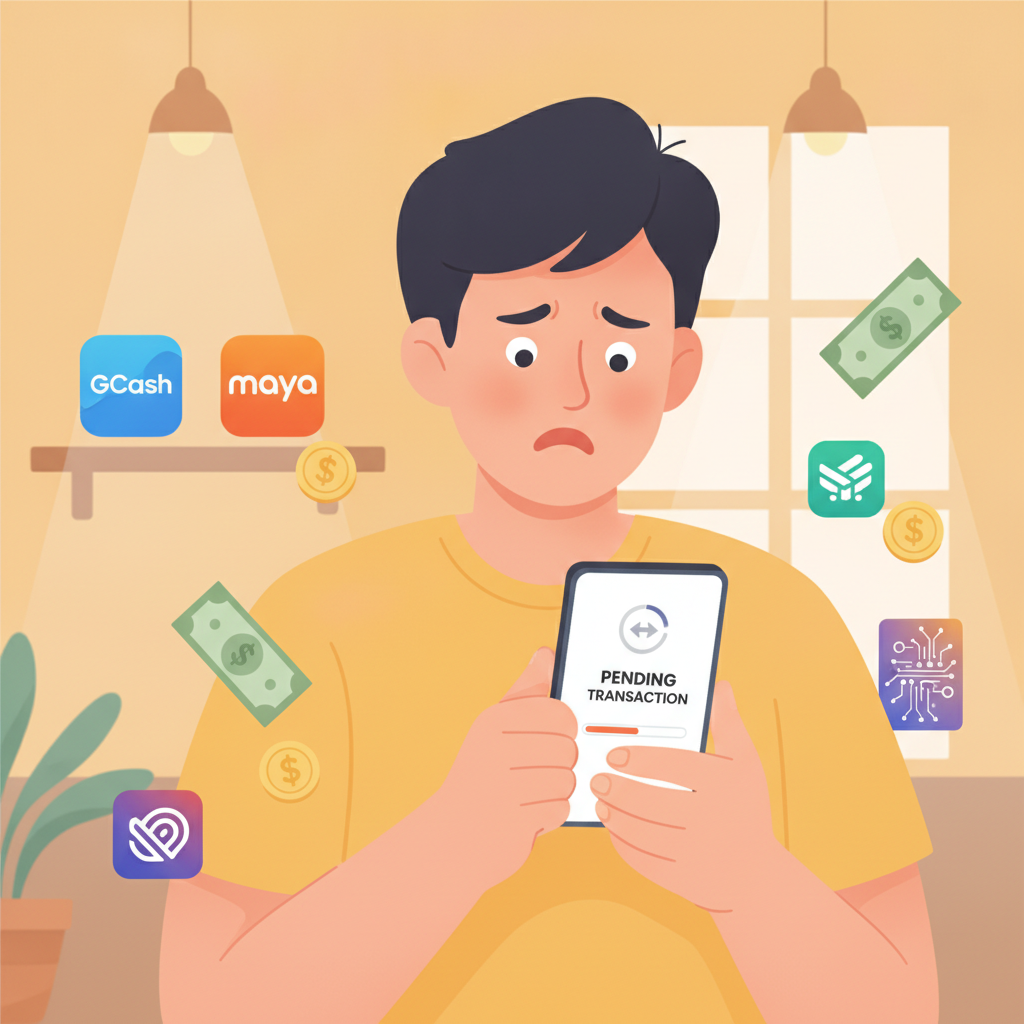
Why Cadillac Play 88 Withdrawals Get Stuck on Pending
When you request a Cadillac Play 88 withdrawal to GCash, Maya, or your bank, it doesn't always process instantly. Many players see "pending" status for hours or even days, especially on their first cashout or after claiming a bonus.
This guide explains the most common reasons your Cadillac Play 88 cashout may be stuck, how to check its status, what documents support might ask for, and how long you should expect to wait before reaching out.
21+ only. Set deposit limits and take breaks if gambling stops being fun.
Common Reasons Your Cadillac Play 88 Cashout Is Pending
Identity Verification Not Yet Complete
Cadillac Play 88 is required to verify your identity before releasing funds. If you haven't uploaded a valid government ID—such as a Philippine passport, driver's license, or UMID—your withdrawal will stay pending until you do.
Even if you registered weeks ago, the platform may only begin verifying your documents when you make your first cashout request. If your ID photo is blurry, cropped, expired, or doesn't match the name on your account, the security team will flag it and ask you to resubmit.
First-Time Withdrawal Security Checks
Online casinos in the Philippines treat first cashouts more carefully than repeat requests. Cadillac Play 88 may review your account activity, deposit history, and game logs to confirm everything follows their terms. This manual review can add 24 to 72 hours to your Cadillac Play 88 withdrawal time, even if your ID is already on file.
If you deposited via GCash but are now requesting withdrawal to a different GCash number, or if you're cashing out to Maya after funding through a bank transfer, that mismatch may trigger extra checks. Where possible, withdraw using the same method and account name you used to deposit.
Turnover or Wagering Requirements Not Met
If you claimed a welcome bonus, reload promo, or cashback offer, Cadillac Play 88 will apply a turnover requirement before you can cash out. For example, a PHP 200 bonus with 10× turnover means you must place PHP 2,000 in bets on eligible games before the bonus amount and any winnings become withdrawable.
Your pending cashout will remain stuck until you complete the full rollover. Slots usually count 100 percent toward turnover, but live dealer games may count less—often 10 to 20 percent per bet—and sports bets sometimes count only if they settle at certain odds.
Check the terms attached to any promo you activated. If you're unsure whether you've cleared the requirement, the account dashboard should show your progress, or you can ask live chat.
Withdrawal Limit or Daily Cap Reached
Cadillac Play 88 sets daily and monthly cashout limits, particularly for newer accounts or standard VIP tiers. If you request more than the allowed amount in a 24-hour window, the system may split the withdrawal into multiple batches or hold the excess until the next day.
Lower-tier players often face a daily cap of PHP 10,000 to PHP 50,000, while higher VIP levels enjoy larger limits. If your pending cashout exceeds the stated cap, contact support to confirm whether the request will be processed in parts or needs to be resubmitted at a lower amount.
Payment Method Maintenance or Bank Delays
Sometimes the holdup isn't on Cadillac Play 88's side. GCash and Maya occasionally undergo scheduled maintenance, especially late at night or during system upgrades. InstaPay transfers usually post within minutes, but PESONet can take until the next banking day—or longer if you requested the cashout on a weekend or Philippine public holiday.
If Cadillac Play 88 marks your withdrawal as "processed" but you still don't see funds in your e-wallet or bank account, check the status with GCash, Maya, or your bank's customer service. Network congestion or incorrect account details can cause delays even after the casino releases the money.
How to Check Your Cadillac Play 88 Withdrawal Status
- Log in to your Cadillac Play 88 account using your phone or the Android app.
- Tap the menu icon (three lines or your profile picture) and select "Cashier" or "Transactions."
- Look for a tab labeled "Withdrawal History" or "Pending Cashouts."
- Find your most recent request. The status will usually say "Pending," "Processing," "Approved," or "Completed."
If the status has been pending for longer than the platform's stated processing time—usually 24 to 48 hours for e-wallets and up to 3 banking days for InstaPay or PESONet—it's time to reach out.
Some accounts also receive email or SMS updates when a cashout moves from pending to approved. Make sure your contact details are current in your profile settings so you don't miss these alerts.
Documents Cadillac Play 88 Support May Request
When you contact customer service about a stuck withdrawal, the team will often ask for one or more of the following:
- Government-issued photo ID: Philippine passport, driver's license, PRC ID, UMID, or postal ID. The document must be valid (not expired) and show your full name, photo, and date of birth clearly.
- Proof of address: A recent utility bill (electricity, water), bank statement, or barangay certificate dated within the last three months. The name and address must match the details on your Cadillac Play 88 account.
- Screenshot of your e-wallet or bank account: This confirms you own the GCash number, Maya account, or bank account name you're cashing out to. Mask sensitive information like full account numbers, but keep your name and the last four digits visible.
- Selfie holding your ID: Some platforms ask for a photo of you holding your ID next to your face, with the current date written on a piece of paper. This step confirms the person in the ID is the same person requesting the cashout.
Upload documents through the account verification section in your dashboard, or attach them to a support ticket or live chat message. Use clear, well-lit photos—no screenshots of screenshots—and save copies for your records.
Typical Cadillac Play 88 Withdrawal Time and When to Contact Support
Under normal circumstances:
- GCash and Maya: 15 minutes to 24 hours after approval.
- InstaPay bank transfer: Minutes to a few hours, same day if requested during banking hours.
- PESONet bank transfer: 1 to 3 banking days.
These timeframes assume your account is fully verified and you've met all turnover requirements. Add an extra 24 to 72 hours for first-time cashouts while Cadillac Play 88 completes security checks.
When to reach out:
- Your withdrawal has been pending for more than 48 hours without explanation.
- You uploaded ID documents more than 72 hours ago and haven't heard back.
- The status changed to "approved" or "processed" more than 24 hours ago, but funds still haven't arrived in your GCash, Maya, or bank account.
- You receive an error message or your cashout request is declined without a clear reason.
Cadillac Play 88 offers live chat and email support. Live chat is usually faster—most replies come within a few minutes during peak hours. Have your account username, registered mobile number, and withdrawal reference number ready when you contact them. Be polite and specific: "My withdrawal request #123456 for PHP 1,000 to GCash has been pending since January 10. I completed ID verification on January 9. Can you check the status?"
Avoid submitting multiple cashout requests for the same amount while one is already pending; that can confuse the queue and slow things down further.
Tips to Speed Up Future Cadillac Play 88 Cashouts
- Verify your account early. Upload a valid ID and proof of address as soon as you register, even before your first deposit. This eliminates delays when you're ready to cash out.
- Use the same payment method. Deposit and withdraw via the same e-wallet or bank account whenever possible. Switching methods mid-cycle often triggers extra security reviews.
- Read bonus terms before you claim. If you don't want to wait for turnover, skip the promo and play with straight cash.
- Request cashouts during business hours. Submitting a withdrawal at 10 p.m. on a Saturday may mean you wait until Monday for a support team to review it. Mid-morning on a weekday often moves faster.
- Keep contact details current. Update your email and mobile number in account settings so Cadillac Play 88 can reach you if they need additional info.
Responsible Gambling Reminder
Waiting for a pending cashout can be frustrating, but never chase losses or re-bet withdrawn funds out of impatience. Set a budget for each session, stick to it, and remember that gambling should stay fun.
This service is strictly for players aged 21 and over. If you feel you're spending too much time or money on Cadillac Play 88, use the platform's deposit limits, self-exclusion tools, or reach out to a local support organization for help.
Final note: This is an independent guide. For the most current processing times, document requirements, and account-specific questions, always check Cadillac Play 88's official help center or contact their customer service team directly.