Cadillac Play 88 Withdrawal Failed: Common Reasons & How to Fix
Cadillac Play 88 Withdrawal Failed: Common Reasons & How to Fix
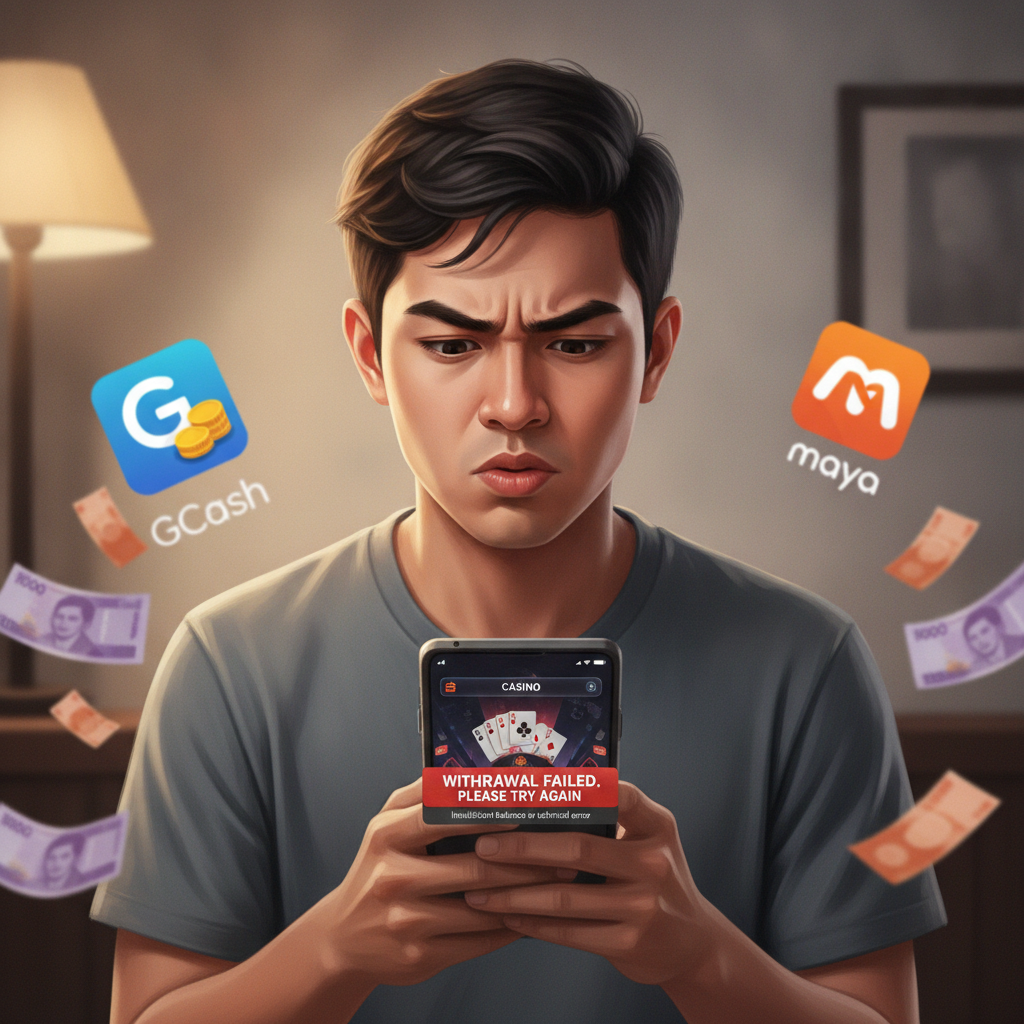
Nothing is more frustrating than submitting a Cadillac Play 88 withdrawal only to see it rejected or stuck in pending status. If your cashout to GCash, Maya, or bank transfer has failed, there are a handful of common reasons—and practical fixes you can try right away from your Android phone.
This guide walks through the most frequent causes of failed withdrawals at Cadillac Play 88 and what existing players can do to resolve them quickly.
Mismatched Account Name: Ensuring Your E-Wallet or Bank Name Matches Your Casino Profile
The number-one reason withdrawals fail is a name mismatch between your Cadillac Play 88 account and your payment method.
Philippine online casinos are required to verify that the name registered on your casino profile matches the name on your GCash, Maya, or bank account exactly. This is an anti-money-laundering measure and applies whether you're withdrawing PHP 200 or PHP 5,000.
How Name Mismatches Happen
- You registered your Cadillac Play 88 account using a nickname or shortened name (e.g., "Mike Santos") but your GCash is under your full legal name ("Michael Angelo Santos").
- You share a GCash wallet with a family member, so the account holder's name does not match yours.
- Your bank account uses a middle initial or suffix that you left out during casino registration.
How to Fix It
- Check your Cadillac Play 88 profile name. Log in and navigate to your account or profile settings. Note the exact spelling and format.
- Compare with your e-wallet or bank. Open your GCash or Maya app and confirm the registered account name. For bank transfers via InstaPay or PESONet, check your bank card or statement.
- If they don't match, update your casino profile. Contact Cadillac Play 88 customer support through live chat or the in-app help section. You will likely need to upload a valid government ID (such as a Philippine passport, driver's license, or UMID) to verify your legal name.
- Resubmit your withdrawal once your profile name has been corrected.
Do not attempt to withdraw to someone else's account—even a spouse or parent—as this will be flagged and rejected every time.
Insufficient Turnover or Playthrough Not Met: How This Blocks Cashout
Another frequent reason for a failed Cadillac Play 88 withdrawal is unmet turnover or wagering requirements. Even if you did not claim a bonus, the platform may require a minimum turnover on your deposit before allowing a cashout.
What Is Turnover?
Turnover (also called rollover or playthrough) refers to the total amount you must wager before funds become eligible for withdrawal. For example:
- You deposit PHP 500.
- Cadillac Play 88 requires 1× turnover on deposits (a common policy for anti-fraud reasons).
- You must place at least PHP 500 in total bets—win or lose—before you can cash out.
If you claimed a welcome bonus, reload, or free spins, the turnover requirement is usually much higher—often 10× to 30× the bonus amount.
How to Check Your Turnover Status
- Log in to your Cadillac Play 88 account.
- Go to My Account, Bonus, or Transaction History (labels vary by version).
- Look for a section showing "Remaining Wagering" or "Playthrough Progress."
If the system shows pending turnover, your withdrawal will be blocked until you meet that target.
How to Fix It
- Complete the required playthrough. Play slots, live dealer games, or place sports bets on PBA, NBA, or volleyball until you hit the turnover threshold.
- Understand which games count. Slots usually contribute 100% toward wagering, but some live dealer games or sports bets may contribute less (e.g., 10% or 50%). Check the terms in your account or contact support.
- Avoid canceling your withdrawal too early. Some players cancel and redeposit, which can reset or extend turnover obligations.
Once turnover is complete, resubmit your Cadillac Play 88 withdrawal request.
Wrong Account Number or Expired E-Wallet Details
A simple typo or outdated payment information can also cause your Cadillac Play 88 cashout to fail.
Common Mistakes
- GCash or Maya mobile number: You enter the wrong 11-digit number, or you recently changed your mobile number and forgot to update your casino withdrawal settings.
- Bank account number for InstaPay or PESONet: You transpose digits or use an old account that has been closed.
- Expired verification or KYC: Your GCash or Maya account is not fully verified, or your bank flagged your account for incomplete identity checks.
How to Fix It
- Double-check the account number or mobile number before submitting your withdrawal. Count the digits carefully—Philippine mobile numbers are 11 digits (e.g., 09171234567), and bank account numbers vary by institution.
- Test with a small withdrawal first. If you're unsure, request PHP 100 to confirm that the payment details work before cashing out your full balance.
- Ensure your GCash or Maya is fully verified. Open the app and complete any pending KYC steps. Unverified e-wallets often have lower transaction limits and may reject incoming casino payouts.
- Contact your bank if you're using InstaPay or PESONet and suspect your account has restrictions.
After correcting the details in your Cadillac Play 88 withdrawal form, submit again.
System Errors and Server Downtime: When to Retry Your Withdrawal Request
Sometimes the issue is not on your end. Cadillac Play 88, GCash, Maya, or the InstaPay/PESONet network can experience temporary system errors or maintenance downtime that delay or reject transactions.
Signs of a System Issue
- Your withdrawal shows "pending" for many hours longer than the usual Cadillac Play 88 withdrawal time (which typically ranges from 15 minutes to 24 hours for e-wallets, and 1–3 banking days for bank transfers).
- You receive a generic error message like "Transaction failed—please try again later" with no specific reason.
- Other players report similar problems on community forums or social media.
How to Fix It
- Wait and retry. If the rejection happened during peak hours (evenings or weekends), wait 1–2 hours and submit your Cadillac Play 88 withdrawal again.
- Check e-wallet or bank service status. Visit the GCash or Maya app's announcements, or check your bank's website for scheduled maintenance. InstaPay and PESONet can also have intermittent downtimes.
- Switch payment methods. If GCash withdrawals keep failing, try Maya or a direct bank transfer instead—and vice versa.
- Contact Cadillac Play 88 support. Use the live chat or in-app help feature to report the failed transaction. Provide your transaction ID or screenshot. Support can confirm whether the issue is on the casino's side or the payment provider's side.
Most system errors resolve within a few hours. Keep your app updated and your internet connection stable when retrying.
Additional Troubleshooting Tips
- Clear your app cache. If you're using the Cadillac Play 88 Android APK, go to Settings > Apps > Cadillac Play 88 > Storage > Clear Cache and try logging in again.
- Check your balance. Ensure you have enough funds after accounting for any active bets. You cannot withdraw money that is currently tied up in open sports bets or live dealer sessions.
- Review withdrawal limits. Cadillac Play 88 may have daily or per-transaction limits (commonly PHP 1,000 to PHP 50,000). If you try to withdraw more than the allowed amount, the request will fail. Break large cashouts into smaller requests if needed.
- Re-verify your account. If you recently updated your profile or changed your phone, Cadillac Play 88 may ask you to upload ID again or complete a new verification step before processing withdrawals.
Responsible Play Reminder and 21+ Requirement
Cadillac Play 88 is intended for players aged 21 and above only. Online casino and sports betting should be for entertainment, not a way to solve financial problems.
If you are withdrawing funds because gambling is causing stress or impacting your budget, please take a break. Set deposit limits in your account settings, use the self-exclusion tools, or reach out to support for help.
Withdraw responsibly. Only bet what you can afford to lose, and never chase losses by redepositing money you planned to cash out.
Need more help? Check out related guides on [Cadillac Play 88 GCash deposit steps], [Cadillac Play 88 withdrawal time and limits], and [how to download the Cadillac Play 88 app on Android]. For bonus and promo questions, visit our sibling site covering Cadillac Play 88 offers and wagering terms.